A social diary for the news you read.
Capture an article, mark up the passages that matter, and talk it through with people you trust. AI layers — bias, fact-check, historical context — are there when you ask. Off by default.
Free while we are small · your reading stays private · bring your own Anthropic key if you prefer. Reads the page you are already on — including the ones you are signed in to.
Where it runs
One account, one library, on every screen you read from — and where a publisher only opens up for a signed-in browser, use the one you are already signed in to.
On your phone

iPhone
Live now on TestFlight — join the beta
Browses in-app, so it reads what you can read — subscriptions included.
On your tablet

iPad
Live now on TestFlight — the same beta
The same account and the same library, with the room to lay it out wider.
On your computer

Chrome extension
Live now — add to Chrome
Sits beside the page you are already on, in the browser you are already signed in to — so your subscriptions just work.

Web app
Live now — open it
Nothing to install. Your whole library, plus any article that opens freely.
See it in action
From a headline to a real conversation — the whole reading loop.
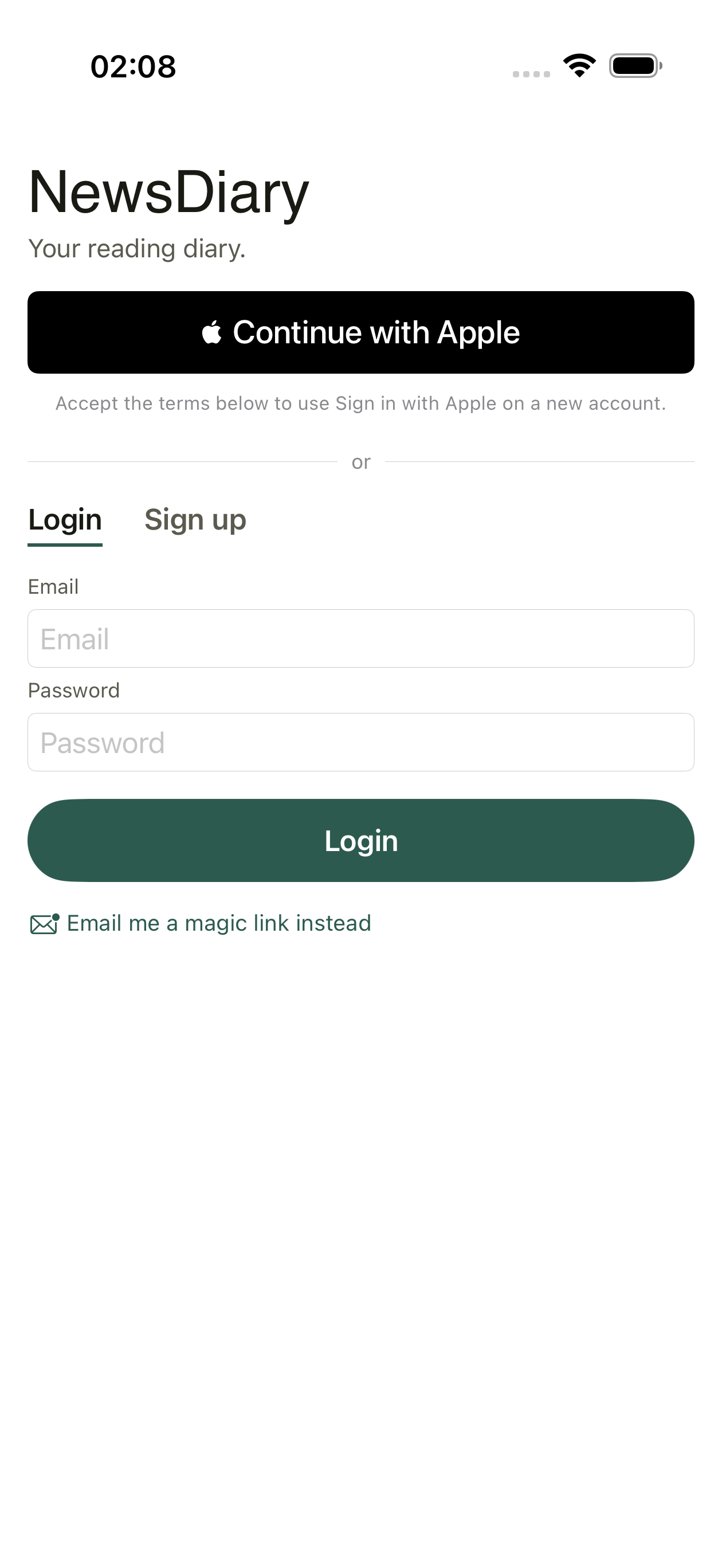
One account, yours
Sign in with Apple or email. Your highlights and notes stay private until you choose to share.
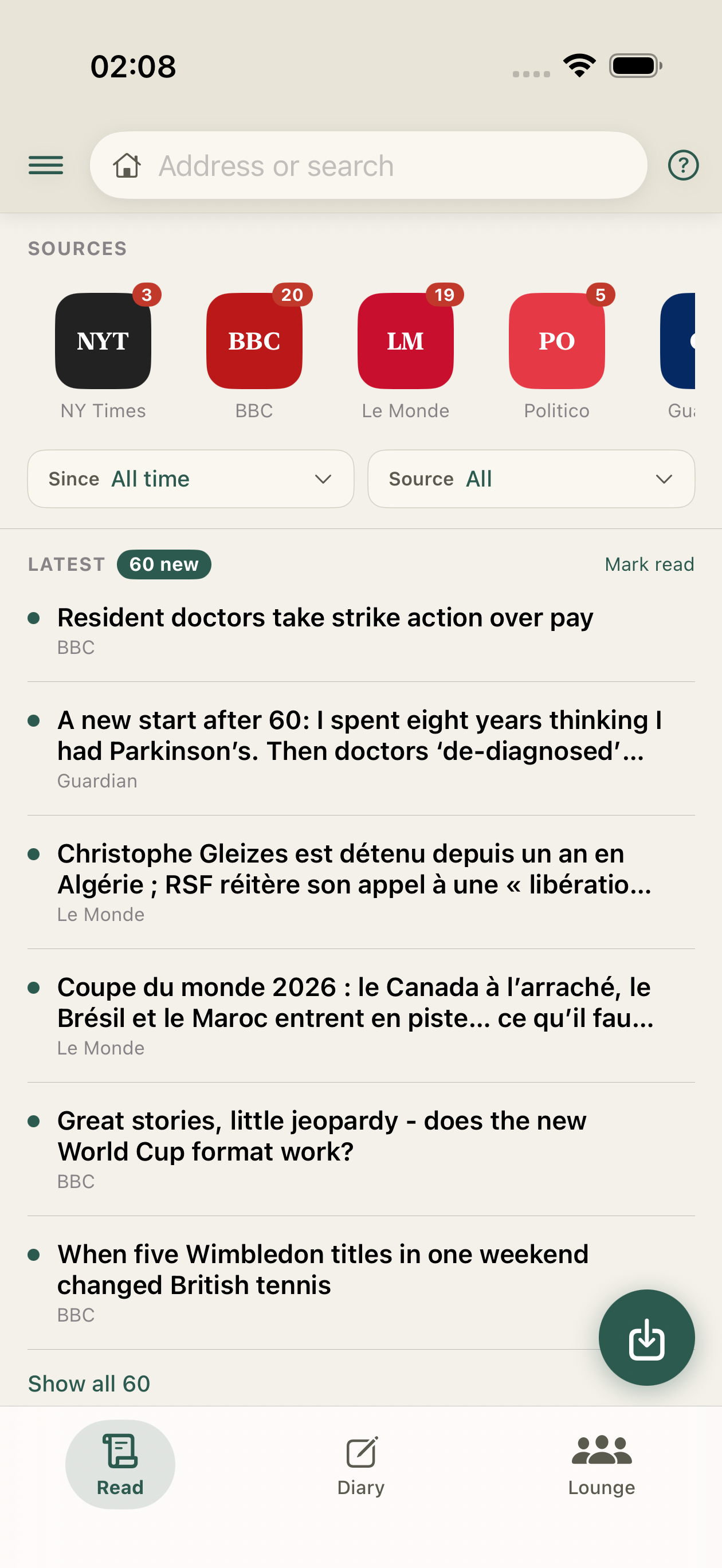
Read the live web
Pin your sources, browse the day's stories, filter by date or source, and capture anything to read closely.
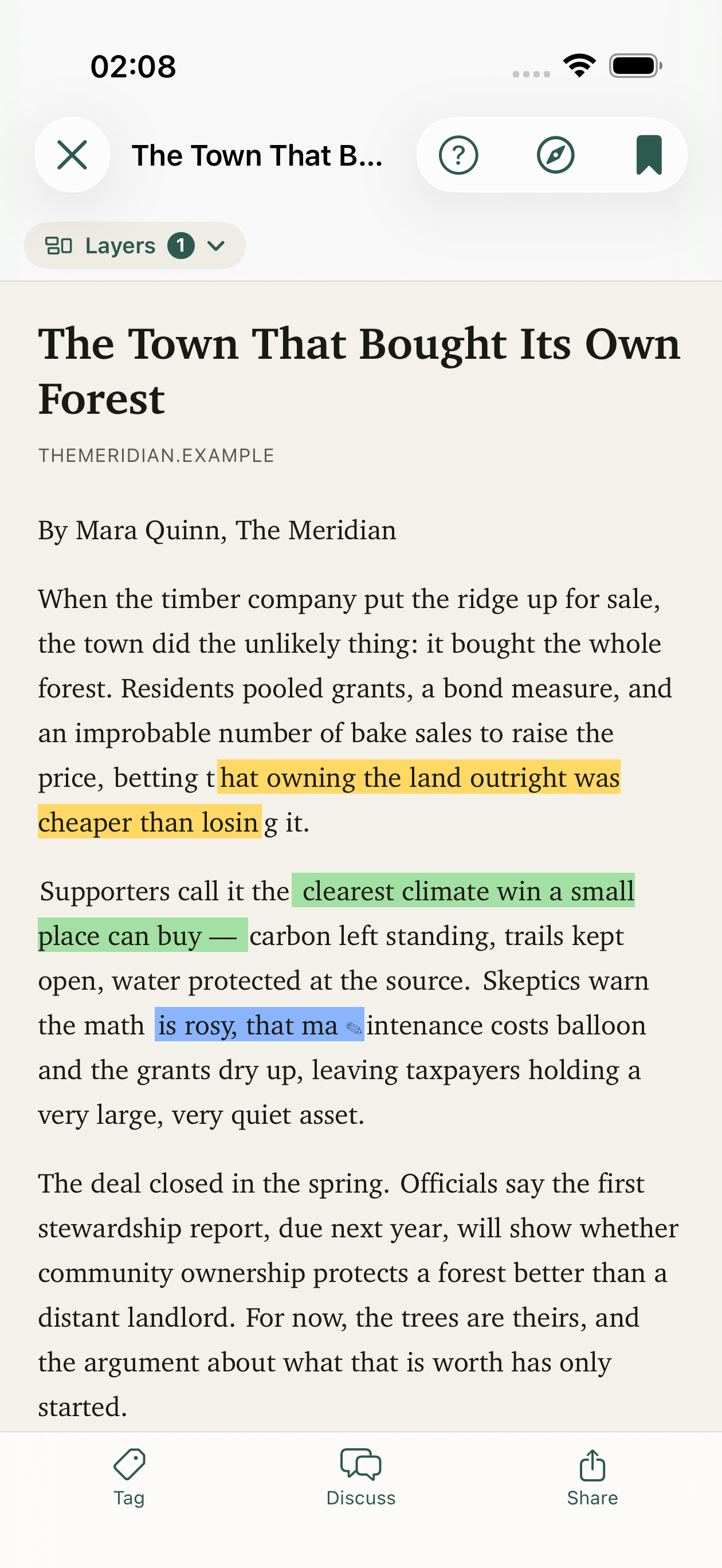
Read it properly
A clean, distraction-free reader. Highlight passages and drop private notes as you go.
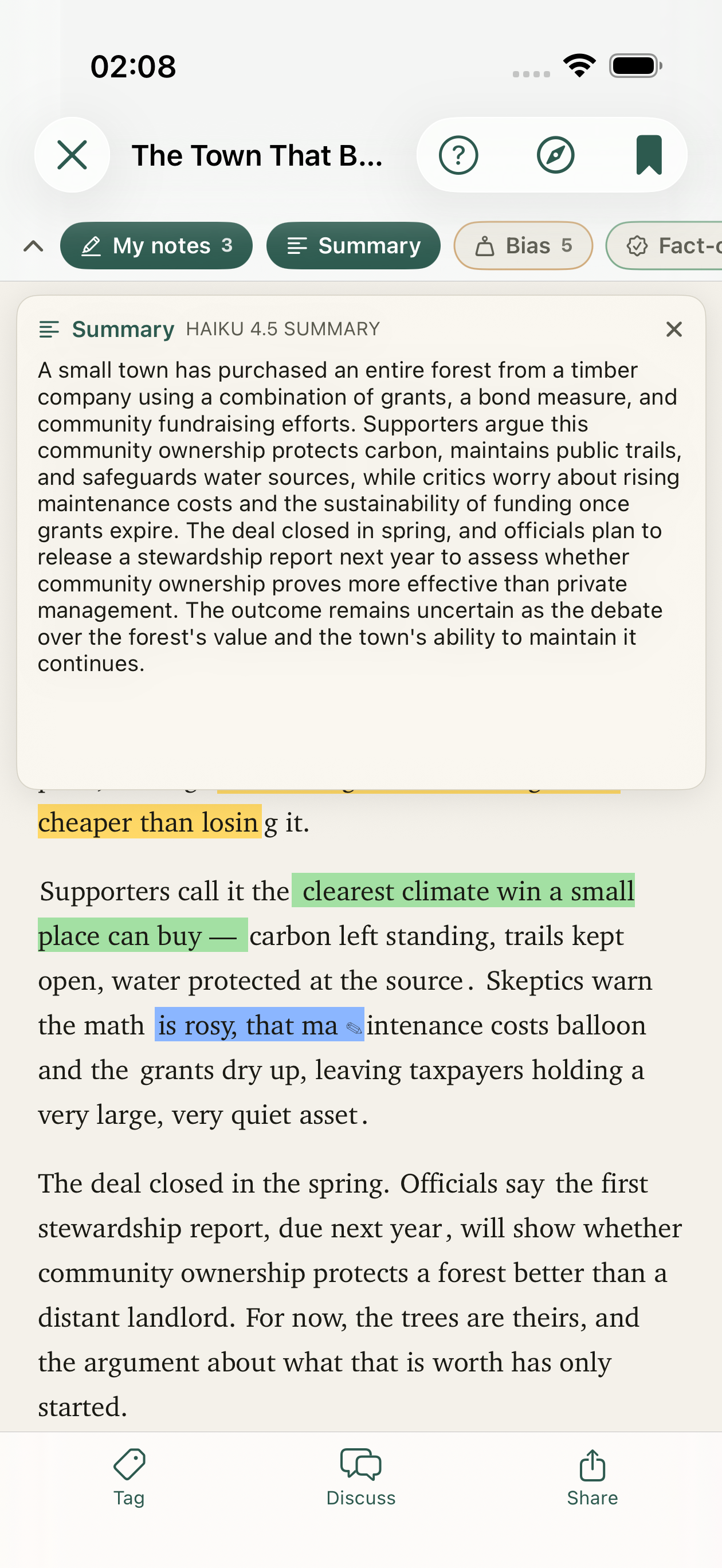
The gist, on tap
A one-tap summary in your language — on-device when it can, cloud when it helps.
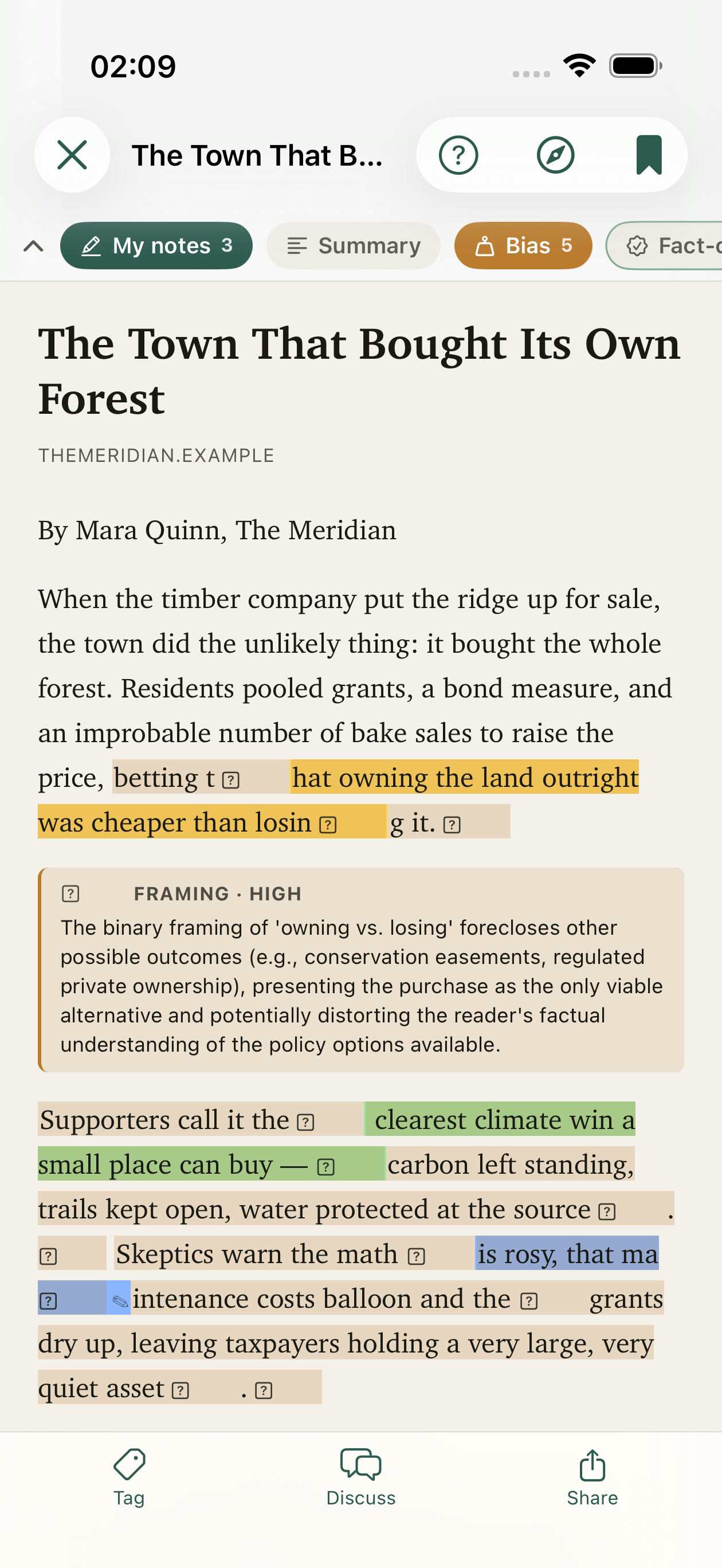
Read with your eyes open
Turn on bias, loaded-language, and fact-check layers — right on the passages they apply to.
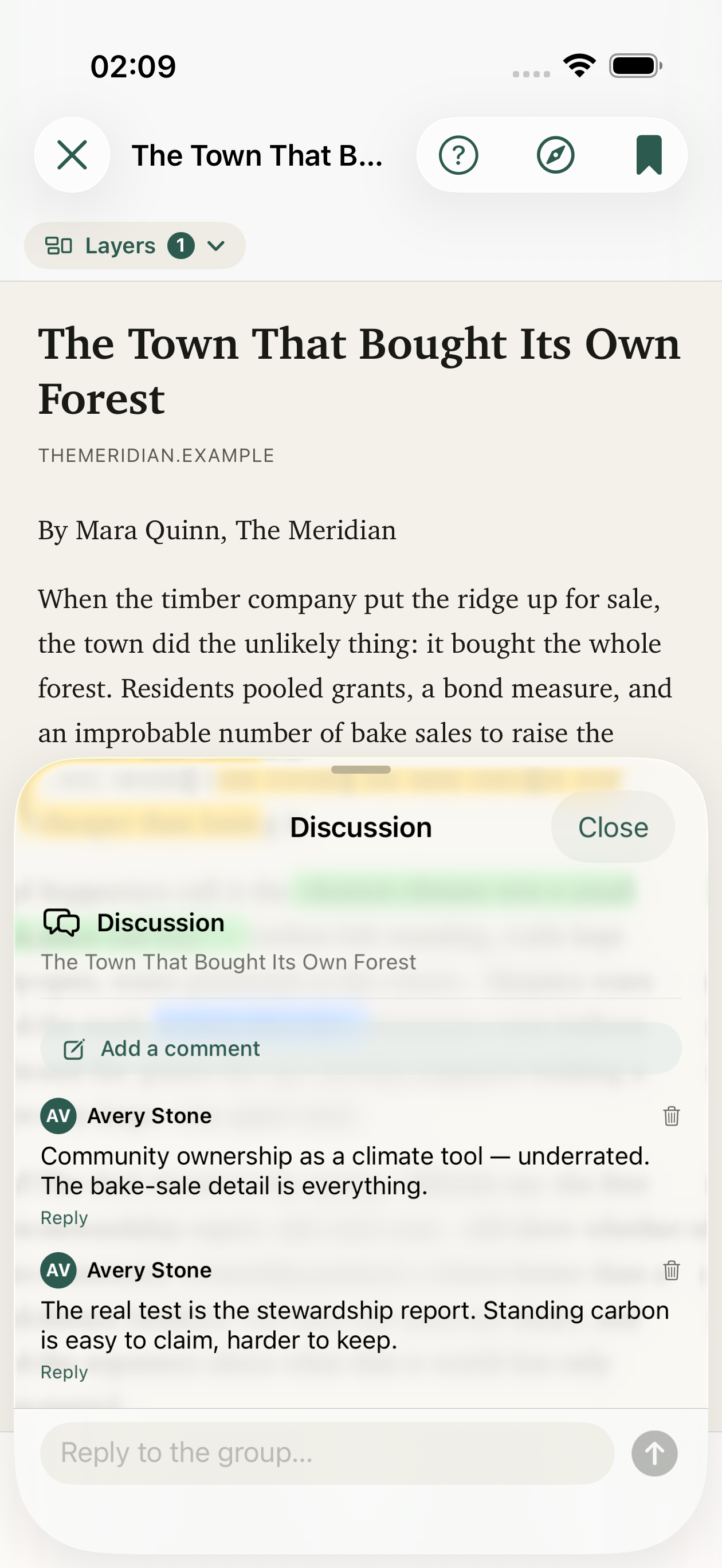
Talk it through
Comment on any article — on your own, or with the people in your Lounge.
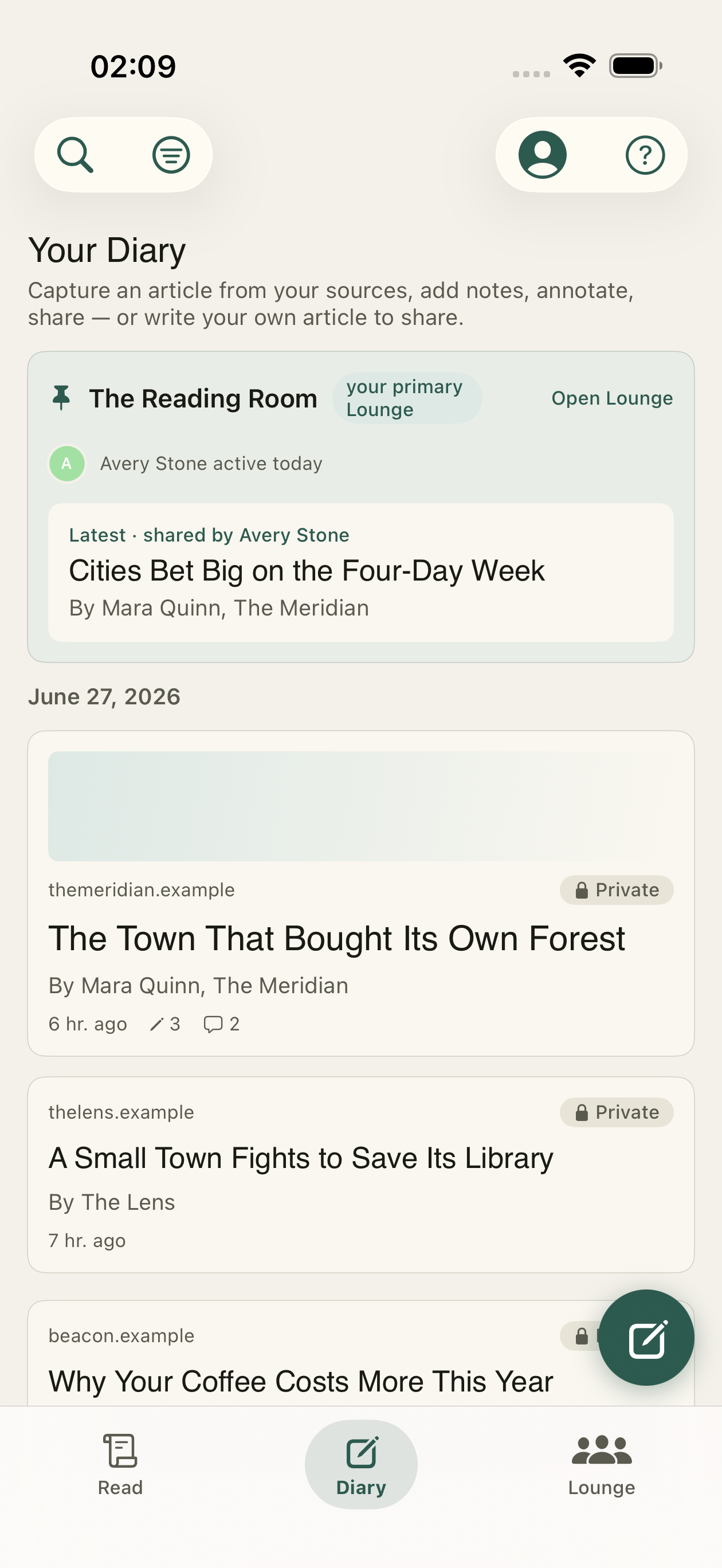
Your reading diary
Everything you capture and write lands in one timeline you actually own.
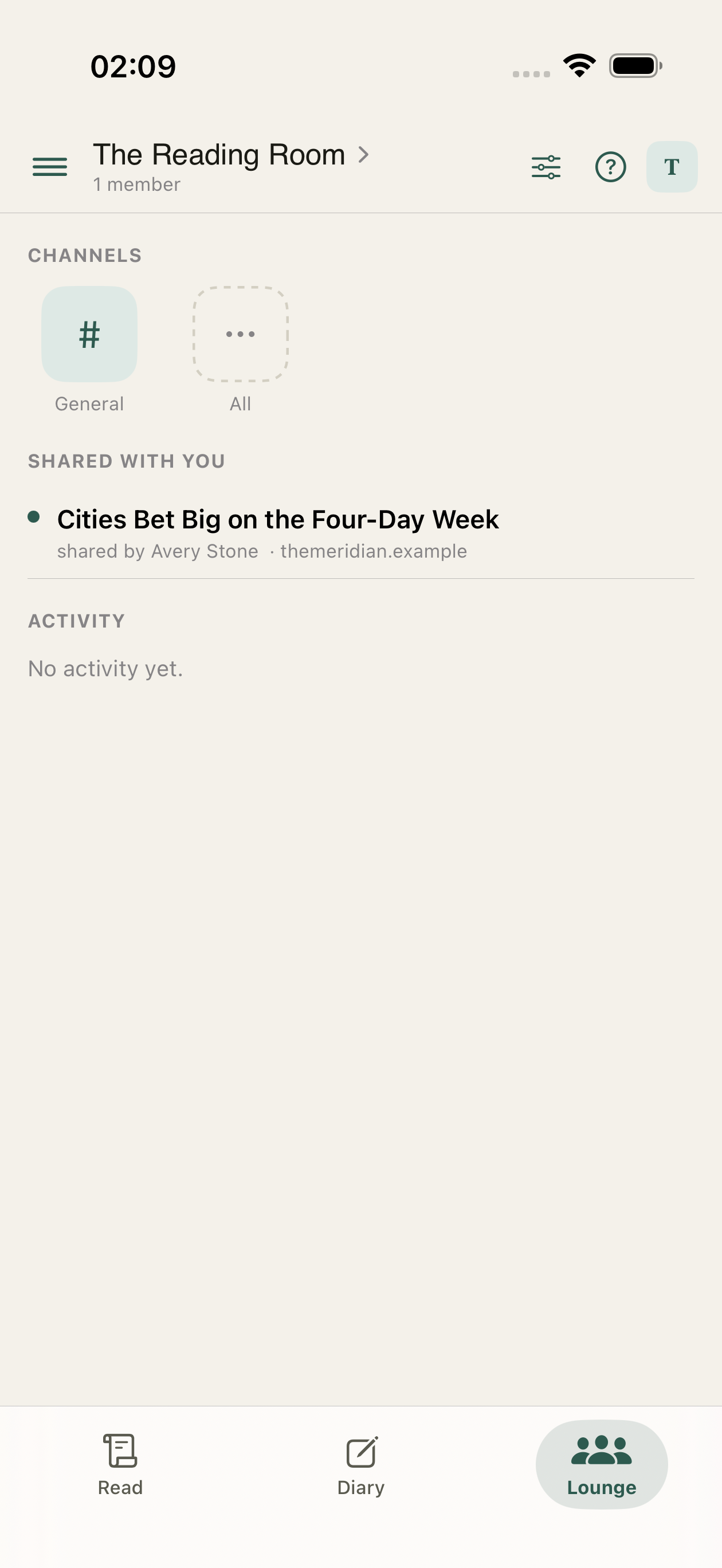
Read together
Private Lounges to share articles, keep book and reading lists, and discuss — with end-to-end-encrypted chat.
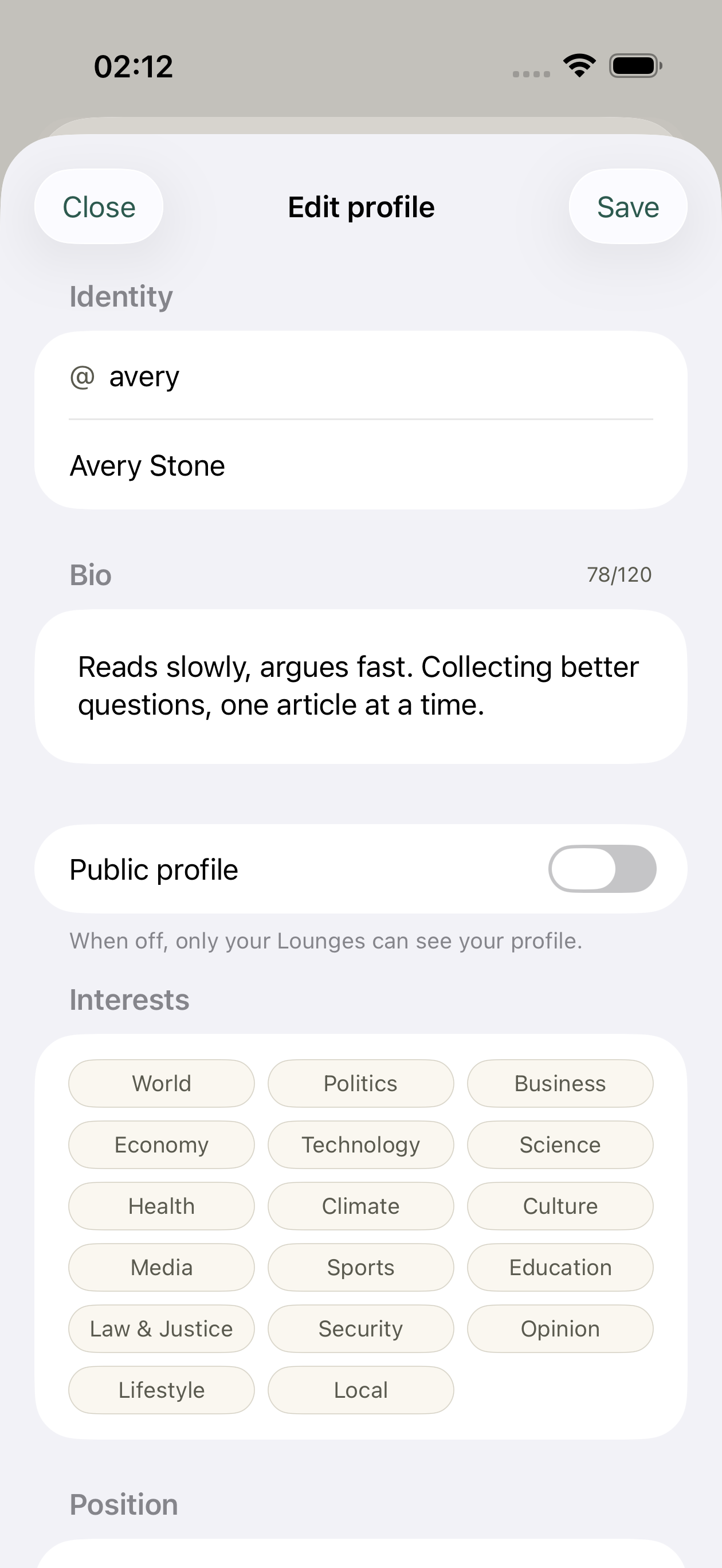
Make it yours
A handle, a short bio, the topics you follow, and an optional reading position.
How it works
- Capture from the in-app browser, the Share sheet, or a pasted URL / PDF — paywalled and script-heavy pages included.
- Annotate with highlights, markdown notes, or voice memos transcribed on-device.
- Share an article to a Lounge — your notes ride along, and everyone reads the same copy.
- Discuss in the article's thread, then take it to a live, end-to-end-encrypted chat topic in your Lounge.
- Diary & search across everything you've read and written — filter by source, month, or type.
- Export as JSON or Markdown whenever you want. Your data, your archive.